

Appliance Types
- Air Conditioner
- Automobile
- Chainsaw
- Circular Saw
- Dishwasher
- Drills
- Dryer
- Drywall Screw Gun
- Furnace
- Gas Fireplace
- Gas Grill
- Gas Patio Heater
- Grinder
- Heat Pump
- Impact Driver
- Impact Wrench
- Microwave
- Nailer
- Orbital Sander
- Pool Heaters
- Powerwall
- Range
- Refrigerator
- Television
- Washer
- Water Heater
Appliance Brands
- A.O. Smith
- AccuCold
- Admiral Craft
- AGA
- Airrex
- Amana
- Ambiance
- American Range
- American Standard
- American Water Heaters
- Aquacal
- Armstrong
- Asko
- Avanti
- Avenlur
- Azure
- Beko
- Bellfires
- Bertazzoni
- Blackstone
- Blaze
- Blomberg
- BlueStar
- Bosch
- Bradford White
- Bromic
- Bryant
- Cafe
- Calcana
- Capital
- Carrier
- Char-Broil
- Char-Griller
- Chrysler
- Coates
- Coleman
- Comfortmaker
- Commercial Chef
- Continental
- Cosmo
- Cove
- Crown Verity
- Dacor
- Daikin
- Danby
- Danfoss
- DaVinci
- DCS
- Deco
- DeWALT
- Ducane
- Dyna-Glo
- Dyson
- EcoSmart
- Electrolux
- Element4
- Empava
- Equator
- Eurodib
- European Home
- Everdure
- Farberware
- Fhiaba
- FibroPool
- Fire Sense
- Fisher
- FiveStar
- Flare
- Flash Furniture
- Focus
- Ford
- Forno
- Forte
- Frigidaire
- Fulgor Milano
- Gaggenau
- GE
- General Motors
- GlowBrand
- Goodman
- Grundig
- GSW
- Haier
- Hayward
- Heatstar
- Heil
- Hestan
- Hisense
- Hitachi
- Hotpoint
- iio
- Ilve
- Impecca
- Ingignia
- Insignia
- JennAir
- John Wood
- Keeprite
- Kenmore
- Kenyon
- KitchenAid
- Kucht
- La Cornue
- Lennox
- LG
- Liebherr
- Lifetime
- Lion
- Luxaire
- Lynx
- Magic Chef
- Marvel
- Maytag
- McQuay
- MicroFridge
- Midea
- Miele
- Migali
- Monogram
- Montigo
- Mr Heater
- Napoleon
- Navien
- Nexgrill
- Noritz
- Panasonic
- Patio Comforts
- Payne
- Pentair
- Perlick
- PITT
- Premier
- Raypak
- Real Fyre
- Regency
- Reliance
- Rheem
- Rinnai
- Roma
- Ruud
- Saber
- Samsung
- Schwank
- Sharp
- Smeg
- Solas
- Sony
- Spartherm
- Speed Queen
- StaRite
- State Water Heaters
- Stiebel Eltron
- SubZero
- Summerset
- Summit
- SunGlo
- SunPak
- Sunpentown
- SunStar
- Superiore
- Takagi
- TCL
- TEC
- Tempstar
- Tesla
- Thermador
- Thor Kitchen
- Toshiba
- Town and Country
- Toyota
- Traeger
- Trane
- Twin Eagles
- U-Line
- Unique
- Vaillant Group
- Valor
- Verona
- Victory
- Viessmann
- Viking
- Vizio
- Weber
- Westinghouse
- Whirlpool
- Whynter
- York
- ZLINE
Article Categories
- Air Conditioners
- Appliance Care
- Appliance News
- Dishwasher News
- Drying Machines
- Furnaces
- Gas Fireplaces
- Microwaves
- Pool Heaters
- Refrigerators
- Stoves - Ranges
- Tips and Tricks
- Washing Machines
- Water Heaters
More Articles
How Do I Clean and Maintain My Coffee Maker?

Coffee is a staple for many people, and a coffee maker is a convenient appliance for brewing a fresh cup of coffee quickly and easily. However, in order for your coffee maker to continue working properly and producing delicious coffee, it is important to clean and maintain it on a regular basis. Here are some tips and guidelines for keeping your coffee maker in tip-top shape.
First, it is important to clean your coffee maker on a regular basis. The frequency of cleaning depends on how frequently you use your coffee maker and the water mineral content of your area, but it's a good idea to give it a thorough cleaning at least once a month. To clean your coffee maker, you can use a mixture of water and white vinegar. Start by filling the reservoir with a solution of half water and half white vinegar. Run the coffee maker as you would when making a pot of coffee, but discard the liquid after the initial flush. Once that is done, fill the reservoir with just water and run the coffee maker again to flush any remaining vinegar. Dry the coffee maker and its parts before using it again.
Cleaning the coffee pot is also important. Hand washing the pot with warm, soapy water and a sponge or brush can remove any buildup of coffee oils and mineral deposits. If you notice any stains, you can try using baking soda and water to scrub the stains.
Another important aspect of maintaining your coffee maker is to keep the water reservoir clean. The water reservoir is where the water for brewing is stored and if it's not clean, the water can become stale and affect the taste of your coffee. To clean the reservoir, simply remove it from the coffee maker and wash it with warm, soapy water. Rinse it thoroughly and dry it before reattaching it to the coffee maker.
It's also a good idea to descale your coffee maker every 3-6 months, depending on the mineral content of your water. Hard water can leave mineral buildup in the coffee maker, which can clog the machine and affect its performance. To descale your coffee maker, you can use a solution of water and citric acid or white vinegar. Follow the instructions in your coffee maker's manual for descaling, or look for the descale cycle in the settings of the machine.
Another key aspect of maintaining your coffee maker is to regularly check for any signs of wear and tear. This includes checking the power cord for any frays or damage, ensuring that the carafe is securely in place, and checking the filter basket for any clogs or damage. If you notice any issues, it's best to have them repaired or replaced as soon as possible to avoid further damage to the coffee maker.
In addition to these tips, it's also important to use the right kind of coffee and water for your coffee maker. Always use fresh coffee beans and grind them just before brewing. Using tap water can also affect the taste and quality of your coffee, so if possible use filtered or purified water for your coffee maker.
Lastly, always remember to unplug your coffee maker before cleaning it or performing any maintenance tasks. This is for safety reasons, and also to prevent any accidental damage to the coffee maker.
In conclusion, cleaning and maintaining your coffee maker is essential for ensuring that it continues to brew delicious coffee for years to come. By following these tips and guidelines, you can keep your coffee maker in top working condition, and enjoy a fresh cup of coffee every morning.
Coffee is a staple for many people, and a coffee maker is a convenient appliance for brewing a fresh cup of coffee quickly and easily. However, in order for your coffee maker to continue working properly and producing delicious coffee, it is important to clean and maintain it on a regular basis. Here are some tips and guidelines for keeping your coffee maker in tip-top shape.
First, it is important to clean your coffee maker on a regular basis. The frequency of cleaning depends on how frequently you use your coffee maker and the water mineral content of your area, but it's a good idea to give it a thorough cleaning at least once a month. To clean your coffee maker, you can use a mixture of water and white vinegar. Start by filling the reservoir with a solution of half water and half white vinegar. Run the coffee maker as you would when making a pot of coffee, but discard the liquid after the initial flush. Once that is done, fill the reservoir with just water and run the coffee maker again to flush any remaining vinegar. Dry the coffee maker and its parts before using it again.
Cleaning the coffee pot is also important. Hand washing the pot with warm, soapy water and a sponge or brush can remove any buildup of coffee oils and mineral deposits. If you notice any stains, you can try using baking soda and water to scrub the stains.
Another important aspect of maintaining your coffee maker is to keep the water reservoir clean. The water reservoir is where the water for brewing is stored and if it's not clean, the water can become stale and affect the taste of your coffee. To clean the reservoir, simply remove it from the coffee maker and wash it with warm, soapy water. Rinse it thoroughly and dry it before reattaching it to the coffee maker.
It's also a good idea to descale your coffee maker every 3-6 months, depending on the mineral content of your water. Hard water can leave mineral buildup in the coffee maker, which can clog the machine and affect its performance. To descale your coffee maker, you can use a solution of water and citric acid or white vinegar. Follow the instructions in your coffee maker's manual for descaling, or look for the descale cycle in the settings of the machine.
Another key aspect of maintaining your coffee maker is to regularly check for any signs of wear and tear. This includes checking the power cord for any frays or damage, ensuring that the carafe is securely in place, and checking the filter basket for any clogs or damage. If you notice any issues, it's best to have them repaired or replaced as soon as possible to avoid further damage to the coffee maker.
In addition to these tips, it's also important to use the right kind of coffee and water for your coffee maker. Always use fresh coffee beans and grind them just before brewing. Using tap water can also affect the taste and quality of your coffee, so if possible use filtered or purified water for your coffee maker.
Lastly, always remember to unplug your coffee maker before cleaning it or performing any maintenance tasks. This is for safety reasons, and also to prevent any accidental damage to the coffee maker.
In conclusion, cleaning and maintaining your coffee maker is essential for ensuring that it continues to brew delicious coffee for years to come. By following these tips and guidelines, you can keep your coffee maker in top working condition, and enjoy a fresh cup of coffee every morning.
What are the different pro range controls
Why is my water heater leaking from the bottom?
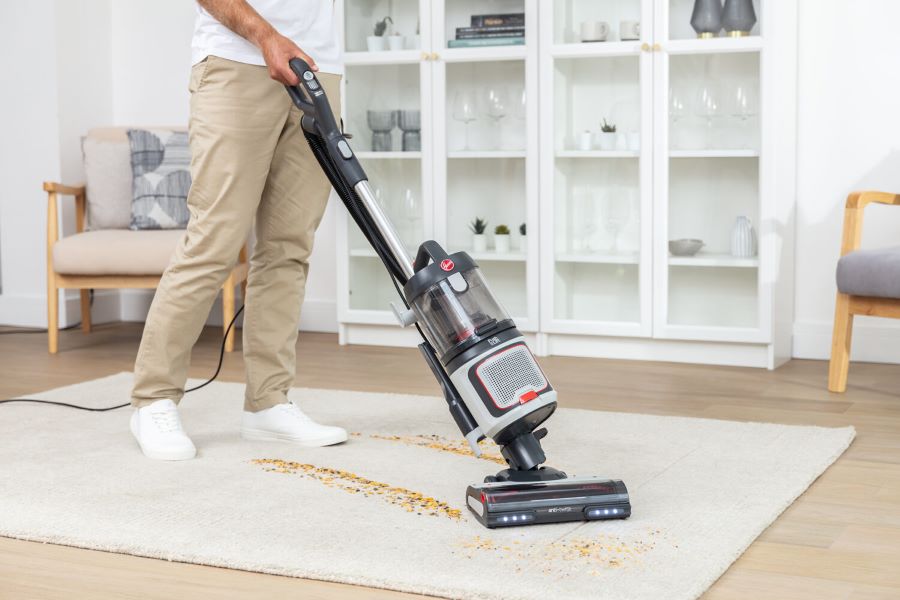
Hoover makes cleaning easy with new AntiTwist vacuum cleaners
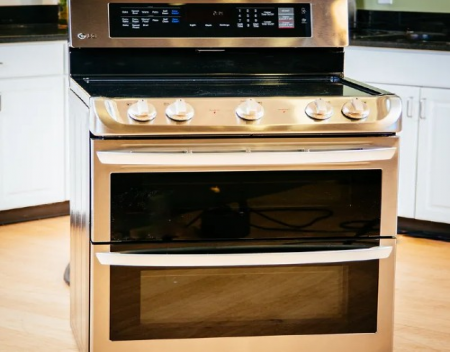
Dreo ChefMaker the worlds first combi fryer secures $1 M on Kickstarter in a day

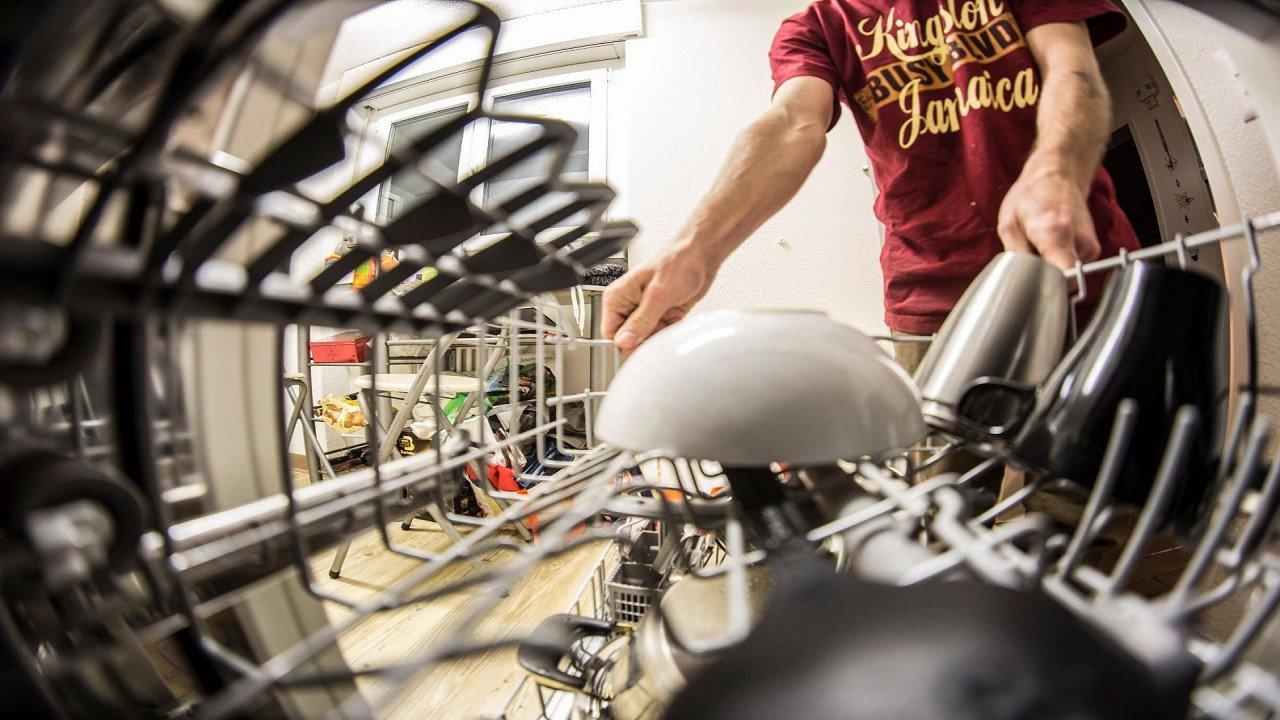
Why is my dishwasher leaving spots on the dishes?
TCL Introduces New Beverage Cooler And Display Case Wine Cooler

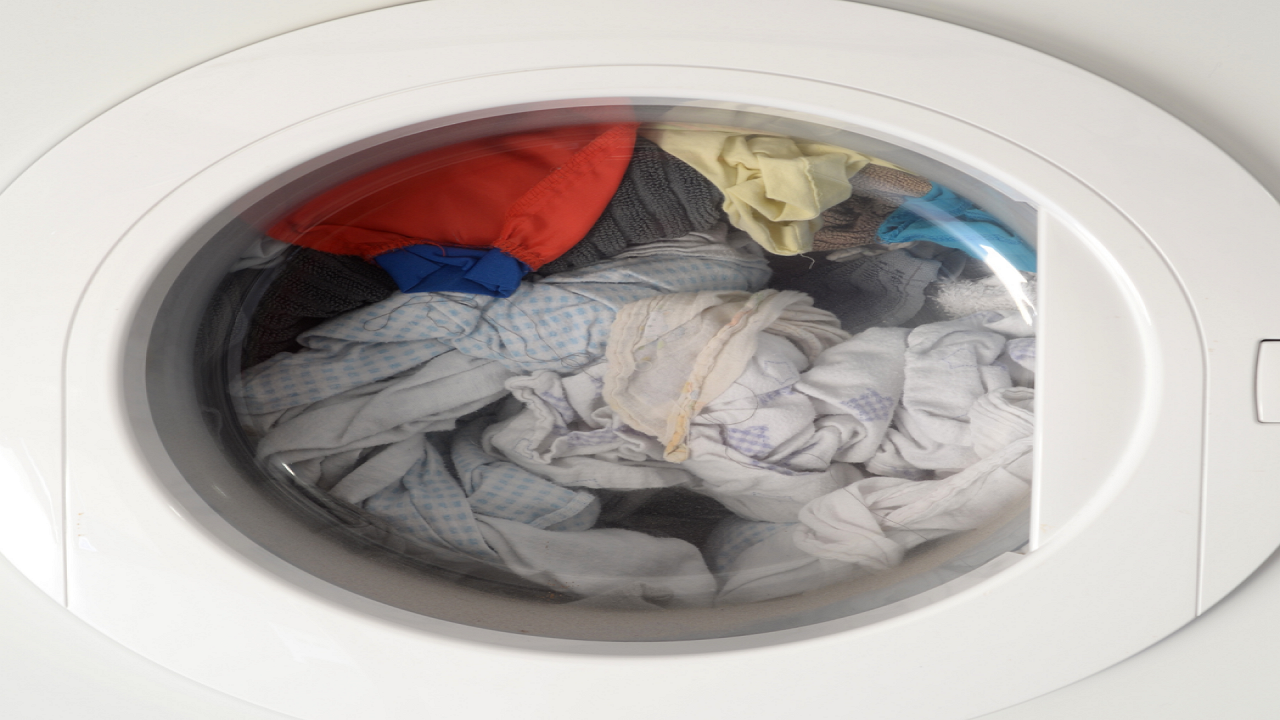
LG front loading washing machine issue, please help!
How to Cool Down Your Swimming Pool Water