

Appliance Types
- Air Conditioner
- Automobile
- Chainsaw
- Circular Saw
- Dishwasher
- Drills
- Dryer
- Drywall Screw Gun
- Furnace
- Gas Fireplace
- Gas Grill
- Gas Patio Heater
- Grinder
- Heat Pump
- Impact Driver
- Impact Wrench
- Microwave
- Nailer
- Orbital Sander
- Pool Heaters
- Powerwall
- Range
- Refrigerator
- Television
- Washer
- Water Heater
Appliance Brands
- A.O. Smith
- AccuCold
- Admiral Craft
- AGA
- Airrex
- Amana
- Ambiance
- American Range
- American Standard
- American Water Heaters
- Aquacal
- Armstrong
- Asko
- Avanti
- Avenlur
- Azure
- Beko
- Bellfires
- Bertazzoni
- Blackstone
- Blaze
- Blomberg
- BlueStar
- Bosch
- Bradford White
- Bromic
- Bryant
- Cafe
- Calcana
- Capital
- Carrier
- Char-Broil
- Char-Griller
- Chrysler
- Coates
- Coleman
- Comfortmaker
- Commercial Chef
- Continental
- Cosmo
- Cove
- Crown Verity
- Dacor
- Daikin
- Danby
- Danfoss
- DaVinci
- DCS
- Deco
- DeWALT
- Ducane
- Dyna-Glo
- Dyson
- EcoSmart
- Electrolux
- Element4
- Empava
- Equator
- Eurodib
- European Home
- Everdure
- Farberware
- Fhiaba
- FibroPool
- Fire Sense
- Fisher
- FiveStar
- Flare
- Flash Furniture
- Focus
- Ford
- Forno
- Forte
- Frigidaire
- Fulgor Milano
- Gaggenau
- GE
- General Motors
- GlowBrand
- Goodman
- Grundig
- GSW
- Haier
- Hayward
- Heatstar
- Heil
- Hestan
- Hisense
- Hitachi
- Hotpoint
- iio
- Ilve
- Impecca
- Ingignia
- Insignia
- JennAir
- John Wood
- Keeprite
- Kenmore
- Kenyon
- KitchenAid
- Kucht
- La Cornue
- Lennox
- LG
- Liebherr
- Lifetime
- Lion
- Luxaire
- Lynx
- Magic Chef
- Marvel
- Maytag
- McQuay
- MicroFridge
- Midea
- Miele
- Migali
- Monogram
- Montigo
- Mr Heater
- Napoleon
- Navien
- Nexgrill
- Noritz
- Panasonic
- Patio Comforts
- Payne
- Pentair
- Perlick
- PITT
- Premier
- Raypak
- Real Fyre
- Regency
- Reliance
- Rheem
- Rinnai
- Roma
- Ruud
- Saber
- Samsung
- Schwank
- Sharp
- Smeg
- Solas
- Sony
- Spartherm
- Speed Queen
- StaRite
- State Water Heaters
- Stiebel Eltron
- SubZero
- Summerset
- Summit
- SunGlo
- SunPak
- Sunpentown
- SunStar
- Superiore
- Takagi
- TCL
- TEC
- Tempstar
- Tesla
- Thermador
- Thor Kitchen
- Toshiba
- Town and Country
- Toyota
- Traeger
- Trane
- Twin Eagles
- U-Line
- Unique
- Vaillant Group
- Valor
- Verona
- Victory
- Viessmann
- Viking
- Vizio
- Weber
- Westinghouse
- Whirlpool
- Whynter
- York
- ZLINE
Article Categories
- Air Conditioners
- Appliance Care
- Appliance News
- Dishwasher News
- Drying Machines
- Furnaces
- Gas Fireplaces
- Microwaves
- Pool Heaters
- Refrigerators
- Stoves - Ranges
- Tips and Tricks
- Washing Machines
- Water Heaters
More Articles
How do I calibrate the temperature settings on my oven?
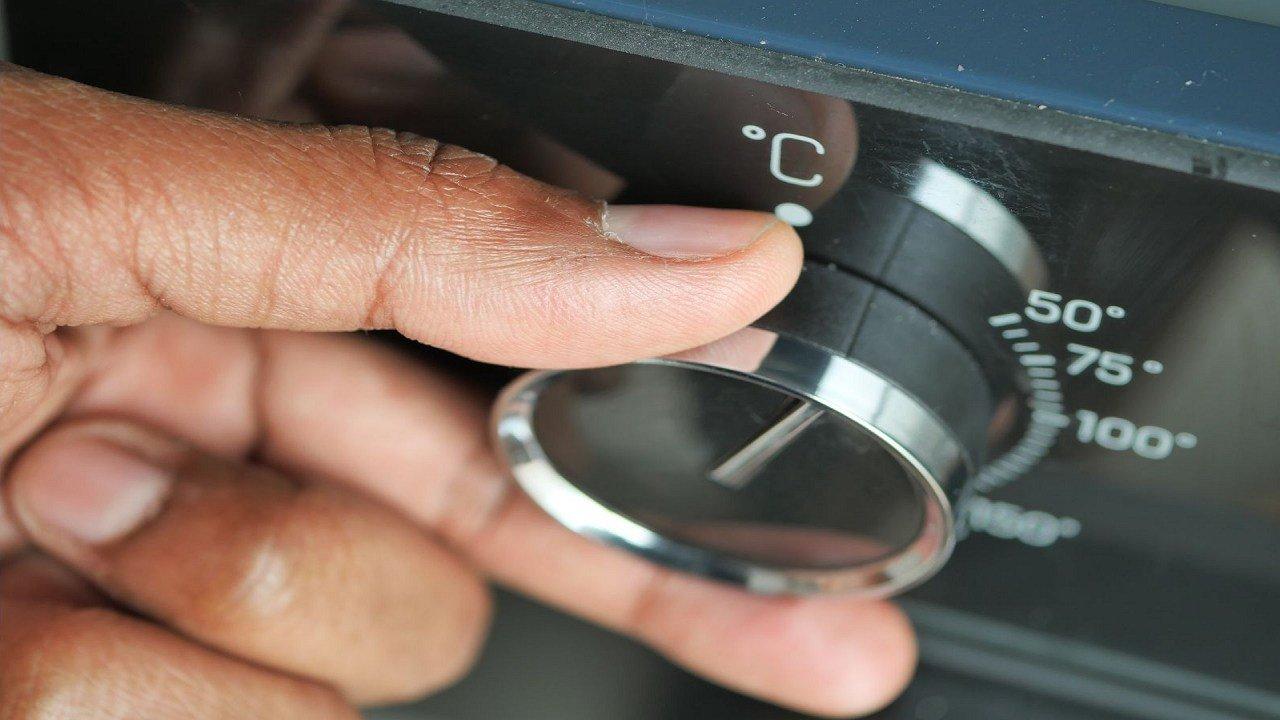
Calibrating the temperature settings on your oven ensures that it accurately reaches and maintains the desired cooking temperature. Here's how you can calibrate the temperature settings on most ovens:
Please note that the steps may vary slightly depending on the brand and model of your oven. Always refer to your oven's user manual for specific instructions.
Preparation:
Make sure your oven is empty and has been turned off for a while, allowing it to cool down completely.
Access Calibration Mode:
Check your oven's user manual to find out how to access the calibration mode. This typically involves pressing a combination of buttons or using the control panel.
Enter Calibration Mode:
Follow the instructions in your user manual to enter the calibration mode. This usually involves pressing and holding specific buttons or using a combination of key presses.
Adjust the Temperature:
Once you're in the calibration mode, you'll see a temperature adjustment feature. Use the oven's controls to increase or decrease the temperature as needed. Some ovens use a numerical keypad, while others may have up and down arrows.
Testing and Confirmation:
After adjusting the temperature, set the oven to a specific temperature (e.g., 350°F or 175°C) using a reliable oven thermometer. Place the thermometer inside the oven and let it preheat to the chosen temperature.Once the oven indicates that it has reached the desired temperature, check the oven thermometer to see if it matches. If it doesn't, adjust the calibration again and repeat the test until the temperature matches.
Exit Calibration Mode:
After calibrating and testing, exit the calibration mode following the instructions in your user manual.
Documentation:
Some ovens allow you to save the calibrated temperature settings, while others will revert to the default settings when powered off. Refer to your user manual for guidance on saving adjustments.
Regular Maintenance:
It's a good practice to periodically recheck and recalibrate your oven's temperature settings, especially if you notice significant discrepancies.
Remember, if you're uncomfortable calibrating your oven yourself, it's recommended to seek assistance from a professional technician or the manufacturer's customer service. Accurate temperature settings are essential for successful and consistent cooking results.
Calibrating the temperature settings on your oven ensures that it accurately reaches and maintains the desired cooking temperature. Here's how you can calibrate the temperature settings on most ovens:
Please note that the steps may vary slightly depending on the brand and model of your oven. Always refer to your oven's user manual for specific instructions.
Preparation:
Make sure your oven is empty and has been turned off for a while, allowing it to cool down completely.
Access Calibration Mode:
Check your oven's user manual to find out how to access the calibration mode. This typically involves pressing a combination of buttons or using the control panel.
Enter Calibration Mode:
Follow the instructions in your user manual to enter the calibration mode. This usually involves pressing and holding specific buttons or using a combination of key presses.
Adjust the Temperature:
Once you're in the calibration mode, you'll see a temperature adjustment feature. Use the oven's controls to increase or decrease the temperature as needed. Some ovens use a numerical keypad, while others may have up and down arrows.
Testing and Confirmation:
After adjusting the temperature, set the oven to a specific temperature (e.g., 350°F or 175°C) using a reliable oven thermometer. Place the thermometer inside the oven and let it preheat to the chosen temperature.Once the oven indicates that it has reached the desired temperature, check the oven thermometer to see if it matches. If it doesn't, adjust the calibration again and repeat the test until the temperature matches.
Exit Calibration Mode:
After calibrating and testing, exit the calibration mode following the instructions in your user manual.
Documentation:
Some ovens allow you to save the calibrated temperature settings, while others will revert to the default settings when powered off. Refer to your user manual for guidance on saving adjustments.
Regular Maintenance:
It's a good practice to periodically recheck and recalibrate your oven's temperature settings, especially if you notice significant discrepancies.
Remember, if you're uncomfortable calibrating your oven yourself, it's recommended to seek assistance from a professional technician or the manufacturer's customer service. Accurate temperature settings are essential for successful and consistent cooking results.
Whirlpool Front Load Washer Wont Start
Whirlpool Breaks Ground On New Wind Farm Project In West Texas

Lowe’s Expands Premium Appliance Lineup With Miele Partnership
Premium air purification robot that combines performance convenience and design
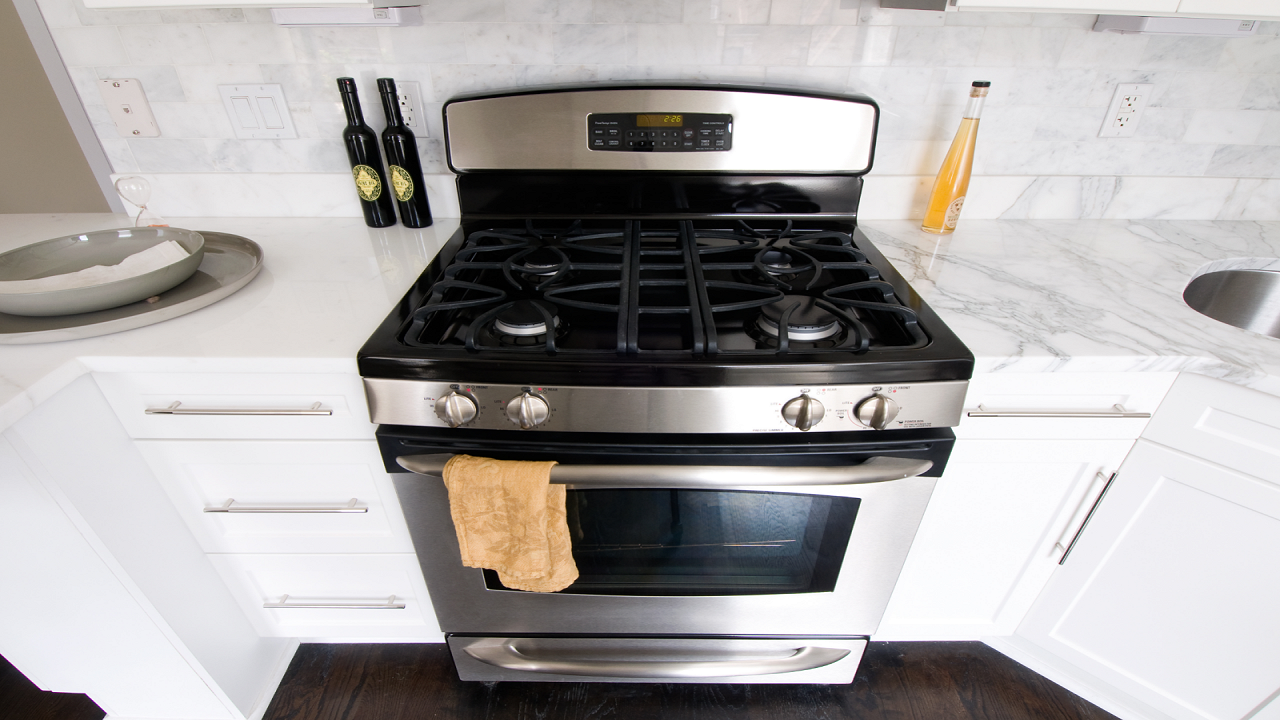
What Should I Look for When Buying an Oven
Kenmore dryer not starting Repair help questions
Convection Ovens VS. Conventional Ovens
How do I clean the air vents in my dryer?