

Appliance Types
- Air Conditioner
- Automobile
- Chainsaw
- Circular Saw
- Dishwasher
- Drills
- Dryer
- Drywall Screw Gun
- Furnace
- Gas Fireplace
- Gas Grill
- Gas Patio Heater
- Grinder
- Heat Pump
- Impact Driver
- Impact Wrench
- Microwave
- Nailer
- Orbital Sander
- Pool Heaters
- Powerwall
- Range
- Refrigerator
- Television
- Washer
- Water Heater
Appliance Brands
- A.O. Smith
- AccuCold
- Admiral Craft
- AGA
- Airrex
- Amana
- Ambiance
- American Range
- American Standard
- American Water Heaters
- Aquacal
- Armstrong
- Asko
- Avanti
- Avenlur
- Azure
- Beko
- Bellfires
- Bertazzoni
- Blackstone
- Blaze
- Blomberg
- BlueStar
- Bosch
- Bradford White
- Bromic
- Bryant
- Cafe
- Calcana
- Capital
- Carrier
- Char-Broil
- Char-Griller
- Chrysler
- Coates
- Coleman
- Comfortmaker
- Commercial Chef
- Continental
- Cosmo
- Cove
- Crown Verity
- Dacor
- Daikin
- Danby
- Danfoss
- DaVinci
- DCS
- Deco
- DeWALT
- Ducane
- Dyna-Glo
- Dyson
- EcoSmart
- Electrolux
- Element4
- Empava
- Equator
- Eurodib
- European Home
- Everdure
- Farberware
- Fhiaba
- FibroPool
- Fire Sense
- Fisher
- FiveStar
- Flare
- Flash Furniture
- Focus
- Ford
- Forno
- Forte
- Frigidaire
- Fulgor Milano
- Gaggenau
- GE
- General Motors
- GlowBrand
- Goodman
- Grundig
- GSW
- Haier
- Hayward
- Heatstar
- Heil
- Hestan
- Hisense
- Hitachi
- Hotpoint
- iio
- Ilve
- Impecca
- Ingignia
- Insignia
- JennAir
- John Wood
- Keeprite
- Kenmore
- Kenyon
- KitchenAid
- Kucht
- La Cornue
- Lennox
- LG
- Liebherr
- Lifetime
- Lion
- Luxaire
- Lynx
- Magic Chef
- Marvel
- Maytag
- McQuay
- MicroFridge
- Midea
- Miele
- Migali
- Monogram
- Montigo
- Mr Heater
- Napoleon
- Navien
- Nexgrill
- Noritz
- Panasonic
- Patio Comforts
- Payne
- Pentair
- Perlick
- PITT
- Premier
- Raypak
- Real Fyre
- Regency
- Reliance
- Rheem
- Rinnai
- Roma
- Ruud
- Saber
- Samsung
- Schwank
- Sharp
- Smeg
- Solas
- Sony
- Spartherm
- Speed Queen
- StaRite
- State Water Heaters
- Stiebel Eltron
- SubZero
- Summerset
- Summit
- SunGlo
- SunPak
- Sunpentown
- SunStar
- Superiore
- Takagi
- TCL
- TEC
- Tempstar
- Tesla
- Thermador
- Thor Kitchen
- Toshiba
- Town and Country
- Toyota
- Traeger
- Trane
- Twin Eagles
- U-Line
- Unique
- Vaillant Group
- Valor
- Verona
- Victory
- Viessmann
- Viking
- Vizio
- Weber
- Westinghouse
- Whirlpool
- Whynter
- York
- ZLINE
Article Categories
- Air Conditioners
- Appliance Care
- Appliance News
- Dishwasher News
- Drying Machines
- Furnaces
- Gas Fireplaces
- Microwaves
- Pool Heaters
- Refrigerators
- Stoves - Ranges
- Tips and Tricks
- Washing Machines
- Water Heaters
More Articles
Stove Wont Turn Off
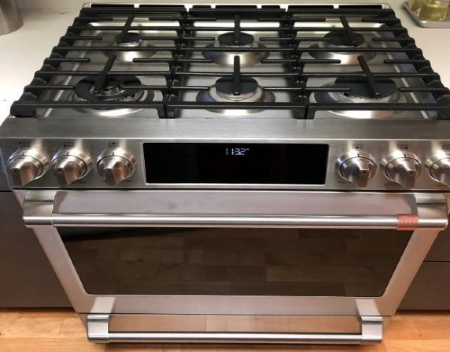
It can be alarming if your stove burner won’t turn off. An out-of-control burner is a fire and safety hazard that needs to be dealt with immediately. Don’t panic! The following troubleshooting guide can help you locate and resolve the issue. If you are concerned or need immediate assistance, feel free to contact professional assistance.
Possible Cause: Broken Knob.
If the knob is cracked or broken, it may not be able to turn the temperature control stick, and it may look as if the burner is switched off even if it isn’t. To test, remove the knob and turn the temperature control manually. You may need to use a pair of pliers to turn the metal switch. If this works, the knob will need to be replaced. Do not use your stove with the knobs removed as it may allow moisture to damage the electronics.
Possible Cause: Electronic or Control Pad Error.
A glitch in the electronics or control pad may prevent the oven from receiving the message to turn off the burner. Like computers, an oven may sometimes need to be rebooted. To reboot the oven, disconnect it from the power by unplugging the unit from the wall or turning off the power at the breaker box. Wait 60 seconds. It is important to wait a full minute for the power capacitor to completely drain of power. Reconnect the power. If the issue persists, continue to troubleshoot.
Possible Cause: Faulty Surface Element.
A short in the surface element might cause the burner to not shut off properly. If the electrical contacts have fused together, creating a constant voltage to the burner, your surface element will need to be replaced. Disconnect the stove from the power and allow the burner to cool completely. Inspect the burner element for damage or signs of heavy wear. If you have a radiant coil burner, remove the element and check the terminals and terminal socket for damage. If the unit appears whole, swap the malfunctioning burner with one that operates correctly. If the new element turns off, the old element will need to be replaced.
Possible Cause: Faulty Surface Element Switch.
The surface element switch tells the stove how hot to heat, and when to turn it on and off, much like the temperature control thermostat inside your oven that controls the heat in the oven cavity. If you have a short in the switch, your stove isn’t getting the “signal” to disable the heat to the burner. Refer to your owner’s manual to locate the surface element switch. When your stove is unplugged and cool to the touch, inspect the switch to look for damage. If the switch is fused or damaged, it will need to be replaced.
When to Let Professionals Handle the Problem.
An electric stove, although incredibly high-powered and convenient, is not indestructible. Like any other appliance, it may simply stop working properly at one point. Maybe some parts have sustained damage through the years – or they have already reached the end of their life cycle. When this happens, you may experience various problems, including the stove not turning off. Fortunately, by following the above instructions, you should be able to troubleshoot and even fix the issue the DIY way.
SOURCE: itisfixed.com
It can be alarming if your stove burner won’t turn off. An out-of-control burner is a fire and safety hazard that needs to be dealt with immediately. Don’t panic! The following troubleshooting guide can help you locate and resolve the issue. If you are concerned or need immediate assistance, feel free to contact professional assistance.
Possible Cause: Broken Knob.
If the knob is cracked or broken, it may not be able to turn the temperature control stick, and it may look as if the burner is switched off even if it isn’t. To test, remove the knob and turn the temperature control manually. You may need to use a pair of pliers to turn the metal switch. If this works, the knob will need to be replaced. Do not use your stove with the knobs removed as it may allow moisture to damage the electronics.
Possible Cause: Electronic or Control Pad Error.
A glitch in the electronics or control pad may prevent the oven from receiving the message to turn off the burner. Like computers, an oven may sometimes need to be rebooted. To reboot the oven, disconnect it from the power by unplugging the unit from the wall or turning off the power at the breaker box. Wait 60 seconds. It is important to wait a full minute for the power capacitor to completely drain of power. Reconnect the power. If the issue persists, continue to troubleshoot.
Possible Cause: Faulty Surface Element.
A short in the surface element might cause the burner to not shut off properly. If the electrical contacts have fused together, creating a constant voltage to the burner, your surface element will need to be replaced. Disconnect the stove from the power and allow the burner to cool completely. Inspect the burner element for damage or signs of heavy wear. If you have a radiant coil burner, remove the element and check the terminals and terminal socket for damage. If the unit appears whole, swap the malfunctioning burner with one that operates correctly. If the new element turns off, the old element will need to be replaced.
Possible Cause: Faulty Surface Element Switch.
The surface element switch tells the stove how hot to heat, and when to turn it on and off, much like the temperature control thermostat inside your oven that controls the heat in the oven cavity. If you have a short in the switch, your stove isn’t getting the “signal” to disable the heat to the burner. Refer to your owner’s manual to locate the surface element switch. When your stove is unplugged and cool to the touch, inspect the switch to look for damage. If the switch is fused or damaged, it will need to be replaced.
When to Let Professionals Handle the Problem.
An electric stove, although incredibly high-powered and convenient, is not indestructible. Like any other appliance, it may simply stop working properly at one point. Maybe some parts have sustained damage through the years – or they have already reached the end of their life cycle. When this happens, you may experience various problems, including the stove not turning off. Fortunately, by following the above instructions, you should be able to troubleshoot and even fix the issue the DIY way.
SOURCE: itisfixed.com
What is the Best Type of Range to Buy?
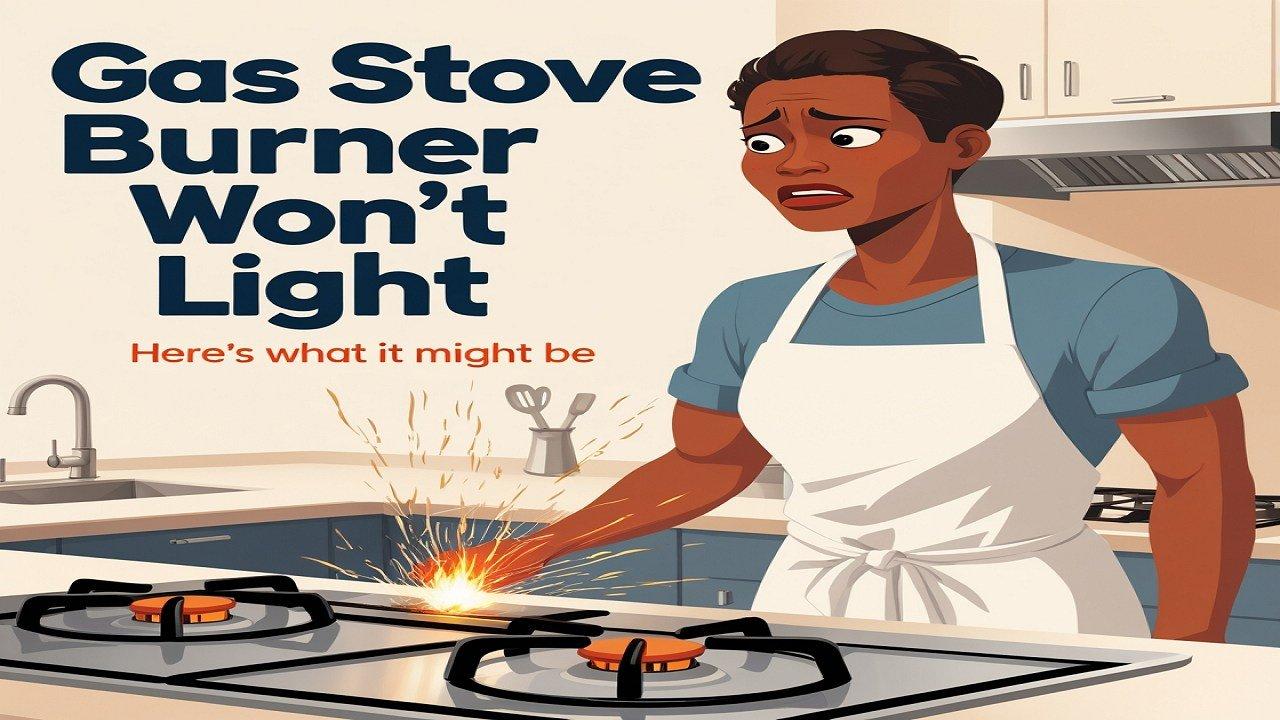
Gas Stove Burner Won’t Light? Here’s What It Might Be
How can I extend the lifespan of my refrigerator?

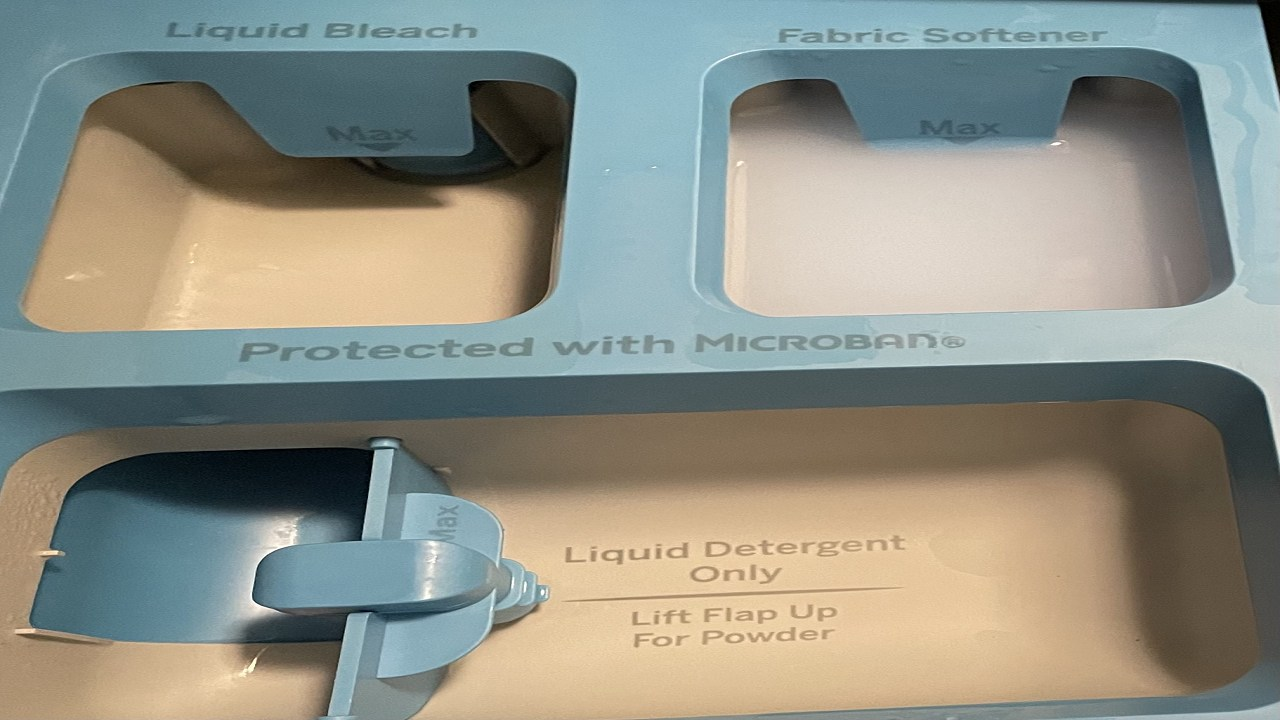
The fabric softener compartment on our GE washing machine is no longer draining
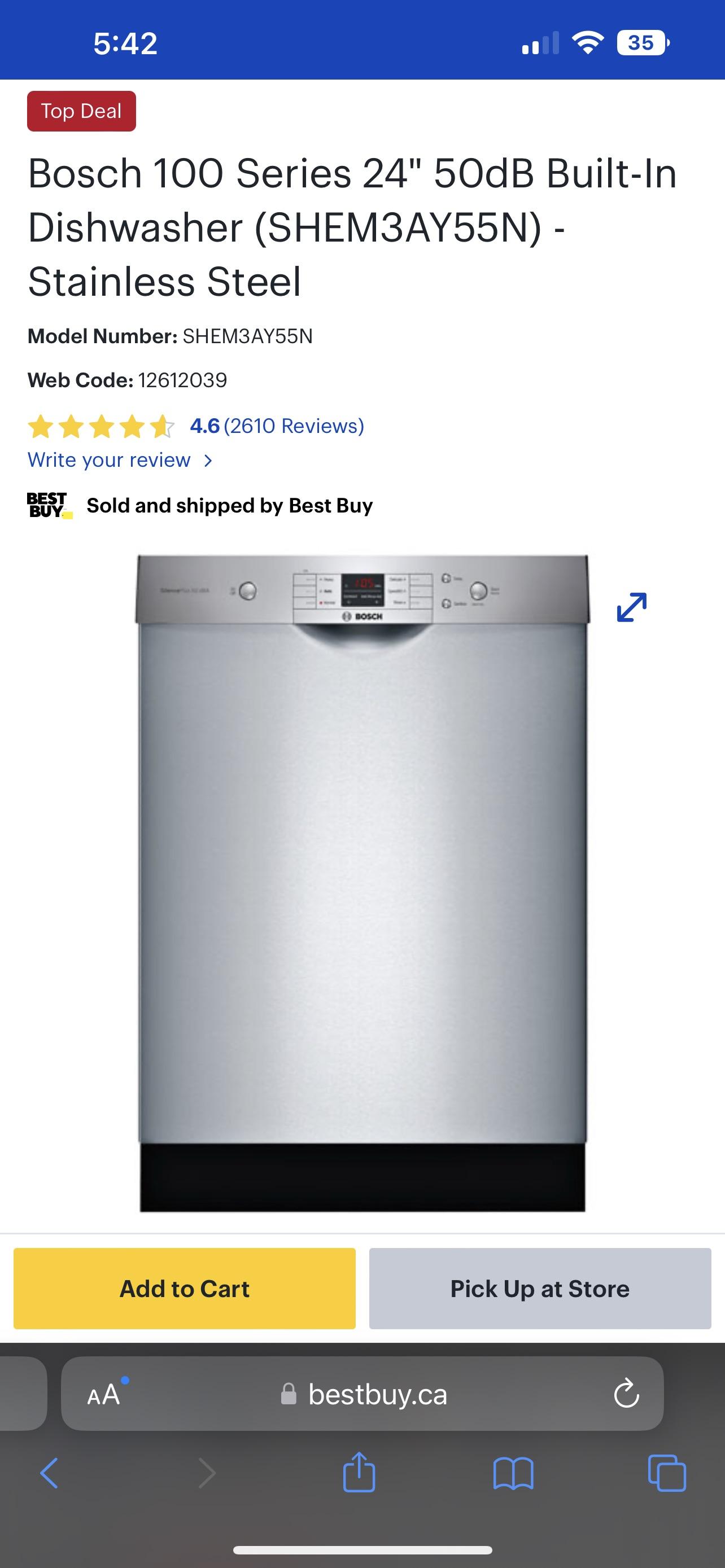
Is this a good dishwasher to purchase?
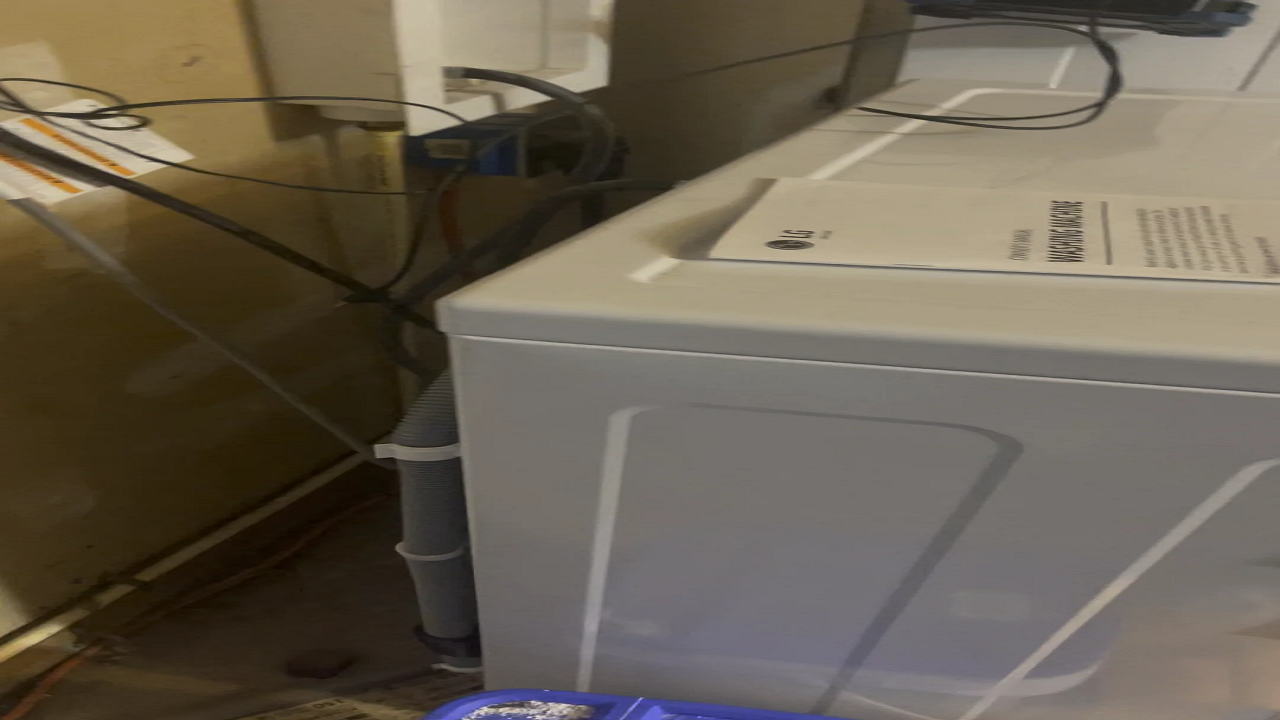
New LG Front Loading Washer in High Spin Cycle is Crazy Loud
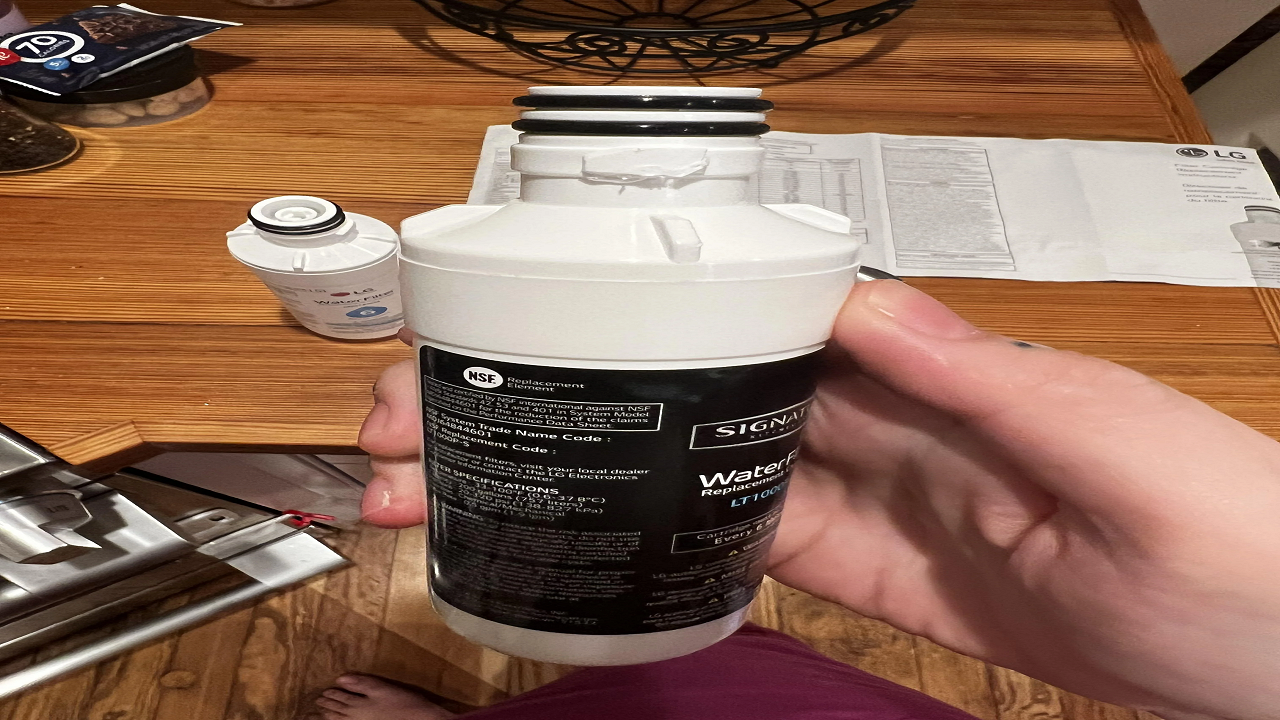
Does anyone have a solution for the LG Signature Kitchen Suite water filters not fitting?
Ranges Troubleshooting: Noises And Door Issues