

Appliance Types
- Air Conditioner
- Automobile
- Chainsaw
- Circular Saw
- Dishwasher
- Drills
- Dryer
- Drywall Screw Gun
- Furnace
- Gas Fireplace
- Gas Grill
- Gas Patio Heater
- Grinder
- Heat Pump
- Impact Driver
- Impact Wrench
- Microwave
- Nailer
- Orbital Sander
- Pool Heaters
- Powerwall
- Range
- Refrigerator
- Television
- Washer
- Water Heater
Appliance Brands
- A.O. Smith
- AccuCold
- Admiral Craft
- AGA
- Airrex
- Amana
- Ambiance
- American Range
- American Standard
- American Water Heaters
- Aquacal
- Armstrong
- Asko
- Avanti
- Avenlur
- Azure
- Beko
- Bellfires
- Bertazzoni
- Blackstone
- Blaze
- Blomberg
- BlueStar
- Bosch
- Bradford White
- Bromic
- Bryant
- Cafe
- Calcana
- Capital
- Carrier
- Char-Broil
- Char-Griller
- Chrysler
- Coates
- Coleman
- Comfortmaker
- Commercial Chef
- Continental
- Cosmo
- Cove
- Crown Verity
- Dacor
- Daikin
- Danby
- Danfoss
- DaVinci
- DCS
- Deco
- DeWALT
- Ducane
- Dyna-Glo
- Dyson
- EcoSmart
- Electrolux
- Element4
- Empava
- Equator
- Eurodib
- European Home
- Everdure
- Farberware
- Fhiaba
- FibroPool
- Fire Sense
- Fisher
- FiveStar
- Flare
- Flash Furniture
- Focus
- Ford
- Forno
- Forte
- Frigidaire
- Fulgor Milano
- Gaggenau
- GE
- General Motors
- GlowBrand
- Goodman
- Grundig
- GSW
- Haier
- Hayward
- Heatstar
- Heil
- Hestan
- Hisense
- Hitachi
- Hotpoint
- iio
- Ilve
- Impecca
- Ingignia
- Insignia
- JennAir
- John Wood
- Keeprite
- Kenmore
- Kenyon
- KitchenAid
- Kucht
- La Cornue
- Lennox
- LG
- Liebherr
- Lifetime
- Lion
- Luxaire
- Lynx
- Magic Chef
- Marvel
- Maytag
- McQuay
- MicroFridge
- Midea
- Miele
- Migali
- Monogram
- Montigo
- Mr Heater
- Napoleon
- Navien
- Nexgrill
- Noritz
- Panasonic
- Patio Comforts
- Payne
- Pentair
- Perlick
- PITT
- Premier
- Raypak
- Real Fyre
- Regency
- Reliance
- Rheem
- Rinnai
- Roma
- Ruud
- Saber
- Samsung
- Schwank
- Sharp
- Smeg
- Solas
- Sony
- Spartherm
- Speed Queen
- StaRite
- State Water Heaters
- Stiebel Eltron
- SubZero
- Summerset
- Summit
- SunGlo
- SunPak
- Sunpentown
- SunStar
- Superiore
- Takagi
- TCL
- TEC
- Tempstar
- Tesla
- Thermador
- Thor Kitchen
- Toshiba
- Town and Country
- Toyota
- Traeger
- Trane
- Twin Eagles
- U-Line
- Unique
- Vaillant Group
- Valor
- Verona
- Victory
- Viessmann
- Viking
- Vizio
- Weber
- Westinghouse
- Whirlpool
- Whynter
- York
- ZLINE
Article Categories
- Air Conditioners
- Appliance Care
- Appliance News
- Dishwasher News
- Drying Machines
- Furnaces
- Gas Fireplaces
- Microwaves
- Pool Heaters
- Refrigerators
- Stoves - Ranges
- Tips and Tricks
- Washing Machines
- Water Heaters
More Articles
How do I reset the control panel on my oven?
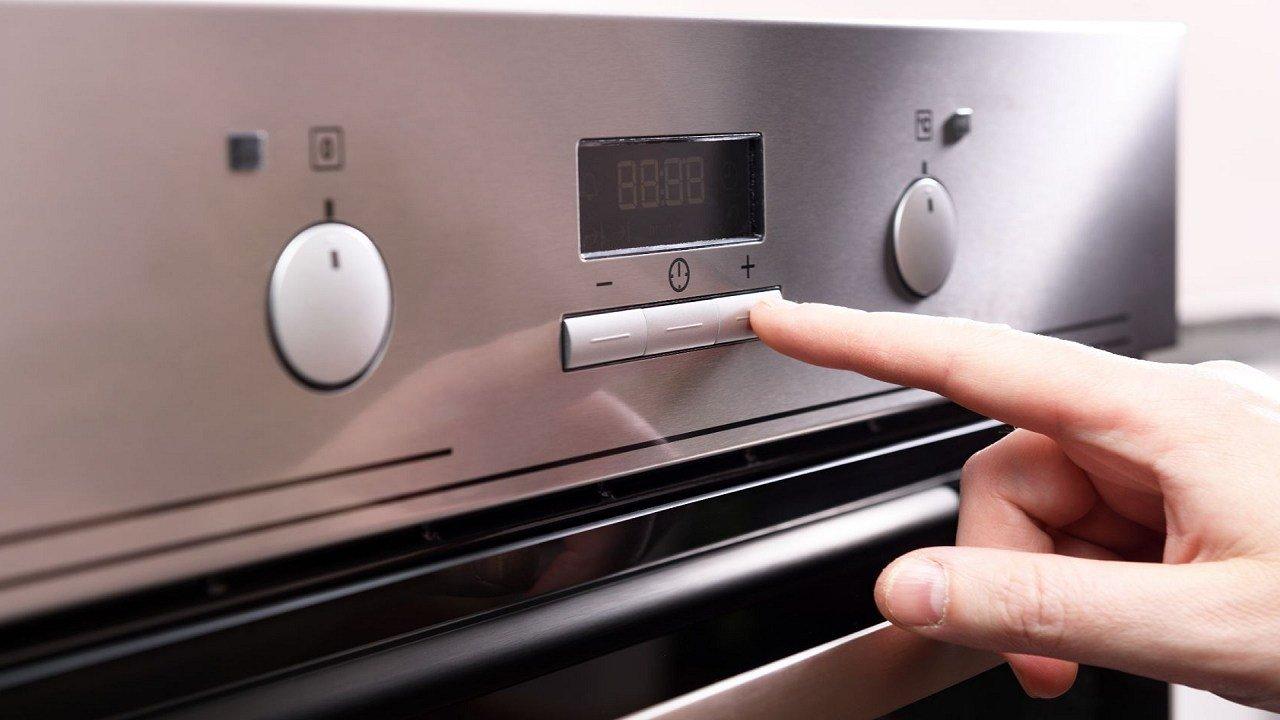
The process for resetting the control panel on your oven may vary depending on the brand and model of your oven. However, here are some general steps that you can try:
Power Off the Oven: Make sure the oven is completely powered off. If it's currently on, press the "Off" or "Cancel" button to turn it off.
Unplug the Oven: If possible, unplug the oven from the electrical outlet. This will ensure that it's completely disconnected from power.
Wait for a Few Minutes: Leave the oven unplugged or powered off for at least 5-10 minutes. This will allow any residual electrical charge to dissipate.
Plug It Back In: If you unplugged the oven, plug it back into the electrical outlet.
Power On the Oven: Turn the oven on by pressing the appropriate buttons or settings. In some ovens, simply plugging it back in might automatically reset the control panel.
Factory Reset (If Needed): Some ovens have a specific process for performing a factory reset on the control panel. This often involves pressing and holding certain buttons or combinations of buttons. Refer to your oven's user manual for instructions on how to perform a factory reset, if available.
Check for Changes: After following these steps, check if the control panel has been reset. If the issues you were experiencing have been resolved, then the reset was successful.
If the above steps don't work or if you're unsure about the process, I recommend consulting your oven's user manual for specific instructions on how to reset the control panel. You can also reach out to the manufacturer's customer support for assistance. Keep in mind that the steps may vary based on the make and model of your oven, so it's important to follow the instructions provided in the manual.
The process for resetting the control panel on your oven may vary depending on the brand and model of your oven. However, here are some general steps that you can try:
Power Off the Oven: Make sure the oven is completely powered off. If it's currently on, press the "Off" or "Cancel" button to turn it off.
Unplug the Oven: If possible, unplug the oven from the electrical outlet. This will ensure that it's completely disconnected from power.
Wait for a Few Minutes: Leave the oven unplugged or powered off for at least 5-10 minutes. This will allow any residual electrical charge to dissipate.
Plug It Back In: If you unplugged the oven, plug it back into the electrical outlet.
Power On the Oven: Turn the oven on by pressing the appropriate buttons or settings. In some ovens, simply plugging it back in might automatically reset the control panel.
Factory Reset (If Needed): Some ovens have a specific process for performing a factory reset on the control panel. This often involves pressing and holding certain buttons or combinations of buttons. Refer to your oven's user manual for instructions on how to perform a factory reset, if available.
Check for Changes: After following these steps, check if the control panel has been reset. If the issues you were experiencing have been resolved, then the reset was successful.
If the above steps don't work or if you're unsure about the process, I recommend consulting your oven's user manual for specific instructions on how to reset the control panel. You can also reach out to the manufacturer's customer support for assistance. Keep in mind that the steps may vary based on the make and model of your oven, so it's important to follow the instructions provided in the manual.
How to Wash Your Clothes Properly?
How often do ovens need to be replaced?
Reddit must've heard us talking about wanting a new dishwasher
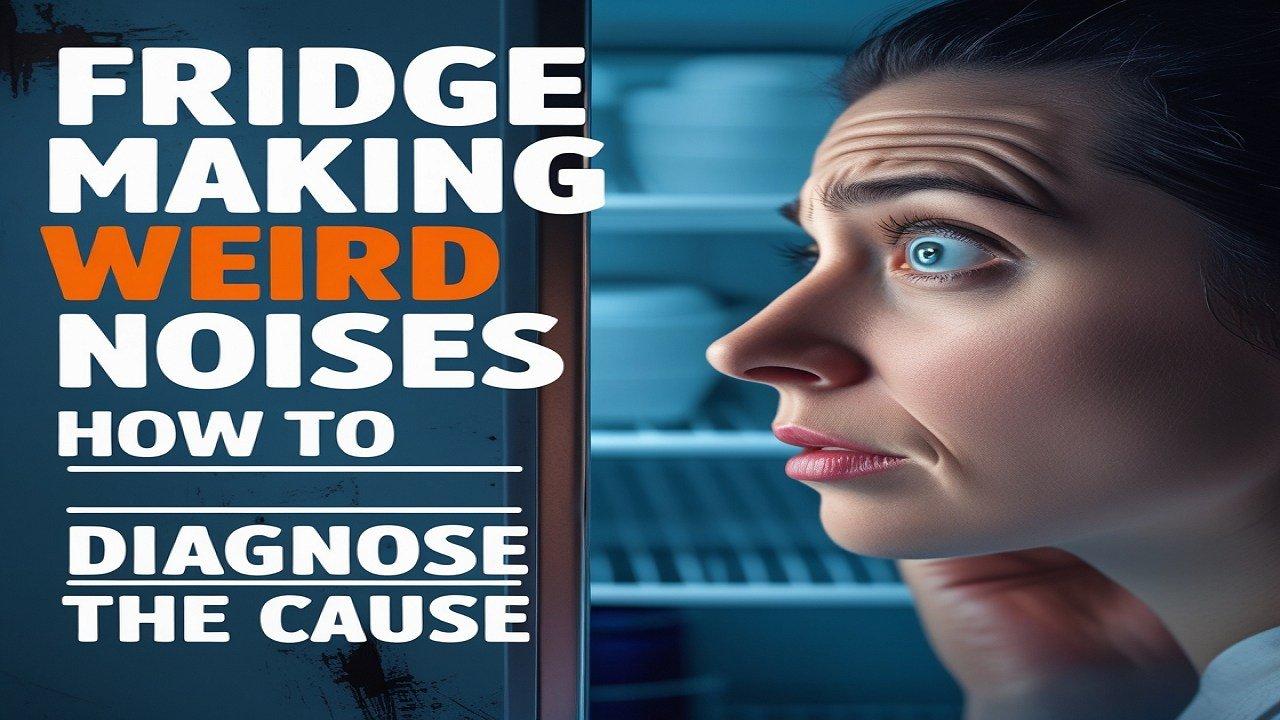
Fridge Making Weird Noises? How to Diagnose the Cause
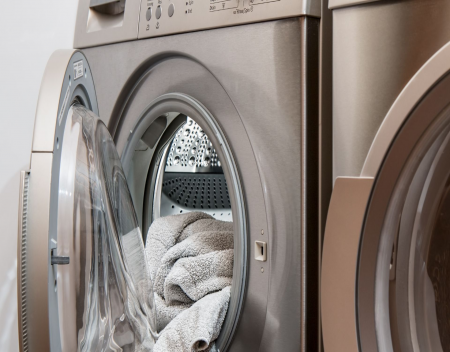
The difference between top load, front load and hybrid washing machines
Over 200 companies support Matter to connect smart homes
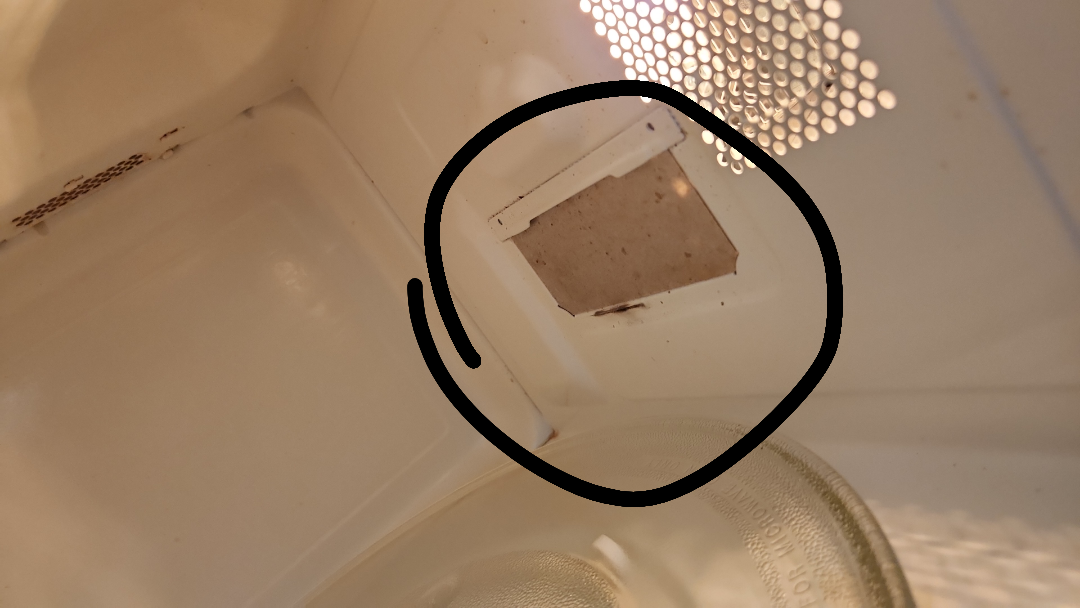
Burnt food last night in the microwave and it's running normally today Is this part of it damaged -
Why is my furnace blowing cold air